To Learn You Need Openness. To Operate You Need Least Privilege.
2026-10-12
I’m giving a talk this week about using AI with the tools we already have. Not Claude Code, not building software — Google Workspace, Jira, the things everybody already has open in a tab.
I planned it as a demo. Here’s Docs, here’s Drive, here’s Sheets, look what you can do.
Then I actually tested it, and the talk changed.
What I expected to show
Connect the Google Workspace connector. Read a doc, write a doc, pull a sheet into a summary, file a ticket. The demo writes itself.
What I got instead was a list of things that don’t work the way the demos imply, and a much more useful talk.
What actually happens
At work, I can read from Drive. That’s it.
No writing documents. No touching email. No calendar. Read-only, one direction, one surface. Whatever workflow I imagined where an agent drafts the thing and files the thing and emails the thing — none of that is available, and it isn’t going to be available next week either.
That’s not a misconfiguration. It’s the correct posture for an organization with sensitive data. Least privilege by default is what a competent security team gives you, and I’d be more worried if they hadn’t.
Even with full access, it’s brittle
I tested the same connectors on my own accounts, where I have admin and can open anything.
It’s still rough:
- Writes fail silently. A document gets created with nothing in it. A Drive write lands once and then doesn’t, with no error either time. The operation reports success and the artifact is empty or absent — so the only way to know is to read back what you just wrote, every time.
- The same connector behaves differently in different places. What works in one surface doesn’t work identically in another, and the differences aren’t documented anywhere you’d find them before hitting one.
- You get one account per provider. Signing into a second Google account replaces the first rather than adding it. Personal and work Drive at the same time is not a thing.
- You often can’t tell what the agent actually saw. When a result looks thin, it’s genuinely hard to know whether the data was missing, the permissions blocked it, or the tool call just didn’t fire.
That last one is the expensive one. If a write can report success and not happen, then every write needs a read after it — by you, or by asking the agent to verify. That’s not a workflow anyone demos, and it’s most of what using this actually feels like.
None of these are reasons not to use it. They’re reasons to stop expecting it to feel like magic.
The part that isn’t anyone’s fault
Here’s the mismatch underneath all of it:
To learn, you need openness. To run a business, you need it closed — least access, least privilege, by default.
Both are correct. They’re just incompatible at the same moment, on the same account.
Which means the standard advice — go experiment with AI at work — is asking people to do something the environment is specifically designed to prevent. Then when it doesn’t go well, the failure gets read as insufficient effort or insufficient cleverness. It’s neither. It’s structural.
So do the learning where you can afford it
Experiment on your own stuff first. Not because work doesn’t matter, but because on your own accounts you can tolerate your own risk.
You can connect the thing, grant too much, watch what happens, and turn it off. You can find out that tool calls are flaky, that one account replaces another, that the write you assumed existed doesn’t. You can be wrong cheaply, in a blast radius you own.
That’s not a hobby. That’s the only environment where the learning is affordable.
Then bring what you learned back:
Go to your security team already informed. Not “can we have AI access?” but: here is the specific capability I want opened, here is the task it serves, here is the scope it needs, and here is me demonstrating it working safely.
That’s a conversation a security team can actually have. The other one has no answer except no.
What is worth doing at work right now
Read-only Drive sounds like nothing. It isn’t.
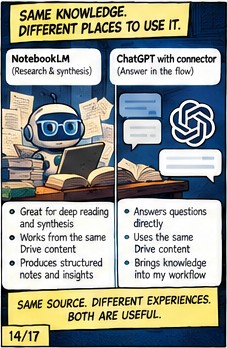
The talk before mine is a demo of Google’s NotebookLM, which is genuinely good at reading across a pile of Drive documents. But it keeps the results inside NotebookLM. The read-only Drive connector does something different: it brings that same material into the assistant you’re already working in, alongside everything else you’re doing. Same source, different place for the answer to land — and for most people the second one is where the work actually happens.
What makes it worth the trouble is what you point it at.
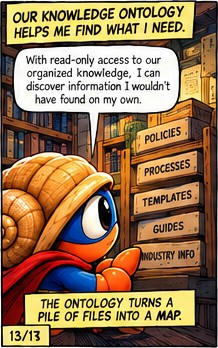
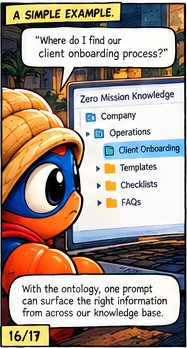
I’m building an ontology — a high-level map of what we call things, what exists, and pointers to where the real sources live. Most of what people fail to find at work isn’t secret. It’s undiscoverable. A curated map fixes that, and read-only access is all it needs.
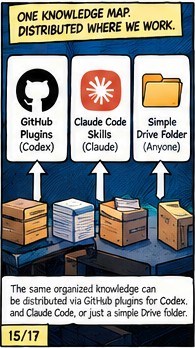
The part I didn’t expect is that the ontology has two distribution channels, and the content is identical:
- As plugins through GitHub, loadable into Codex or Claude Code.
- As a folder in Google Drive, reachable through the read-only connector.
Both coding tools are approved here for most employees and contractors, so this isn’t a split by permission. Most people could install ChatGPT for Mac today and use the Codex side of it.
The barrier is what comes next. Loading the plugins means opening a terminal and cloning a GitHub repo. That’s nothing to a programmer and an absurd ask for anyone else — especially given that the thing being delivered is a map of what we call things. Making knowledge discoverable shouldn’t require a git client.
So the Drive folder isn’t the lesser channel. For most of the company it’s the only one that makes sense: the same map, reachable from a window they already have open, with nothing to install and no request to file.
That’s the whole available-today version. It’s unglamorous and it works with the access we have, which is a better combination than most of what’s being demoed.
I’m not trying to talk anyone out of this. I’m trying to remove the standard people are measuring themselves against.
The tools are early. The access is restricted for good reasons. Neither of those is going to be fixed by trying harder — and both get easier if you do the learning somewhere the stakes are yours.
The slides
The version I’d give if I were giving it here. Placeholders mark where the company-specific screenshots go — those stay internal.
To operate you need least privilege.
- Connect the Google Workspace connector
- Read a doc. Write a doc.
- Pull a sheet into a summary
- File a ticket
- No writing documents
- No email
- No calendar
- Writes fail silently. Doc created, nothing in it. Write lands once, not the next time. No error either way.
- Same connector, different surface, different behaviour.
- One account per provider. A second Google login replaces the first.
- You can't tell what it actually saw. Missing data, blocked permission, or no tool call at all?
To run a business, you need it closed.
Here is the task it serves.
Here is the scope it needs.
Here is me demonstrating it working safely.
- Plugins via GitHub → Codex or Claude Code
- A folder in Drive → the read-only connector
Click the deck, then use ← and →.
The comic version
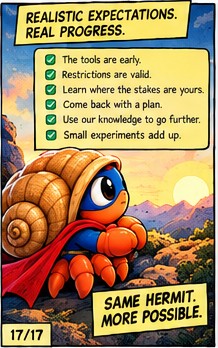
I asked ChatGPT to redraw the same seventeen slides as a comic. Hermit — the crab from my SSH client — got the starring role.
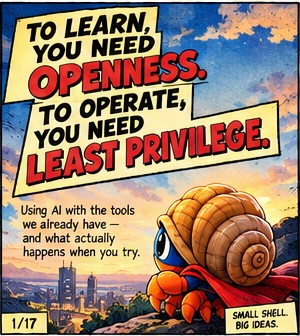
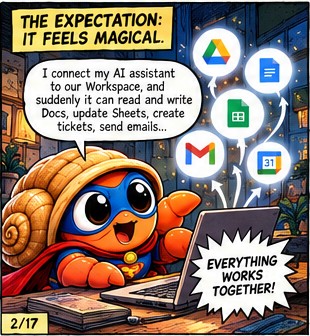
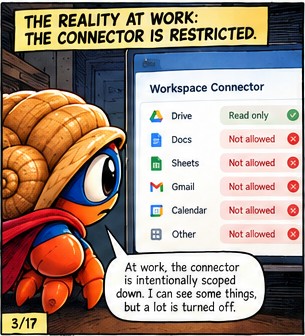
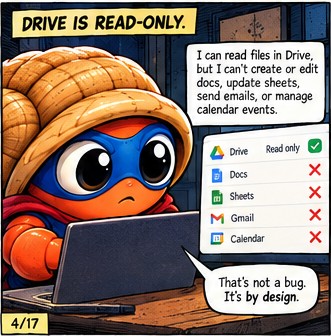
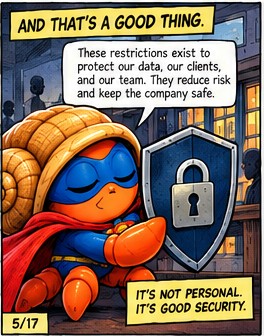
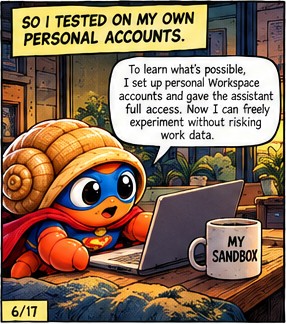
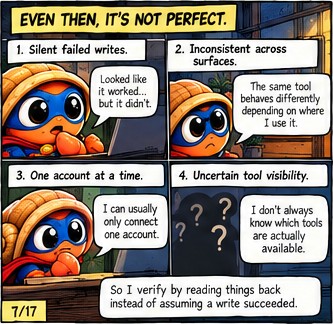
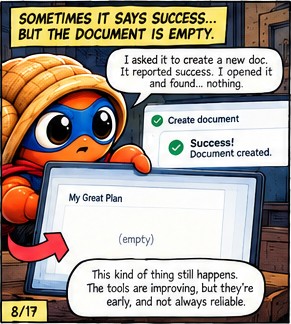
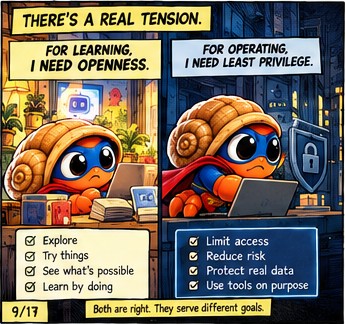
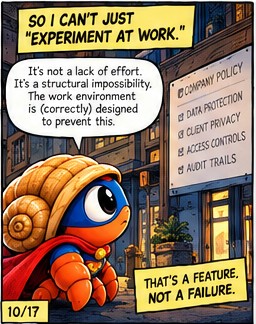
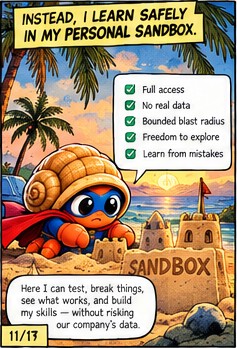
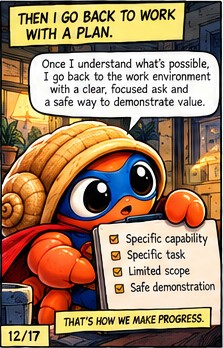
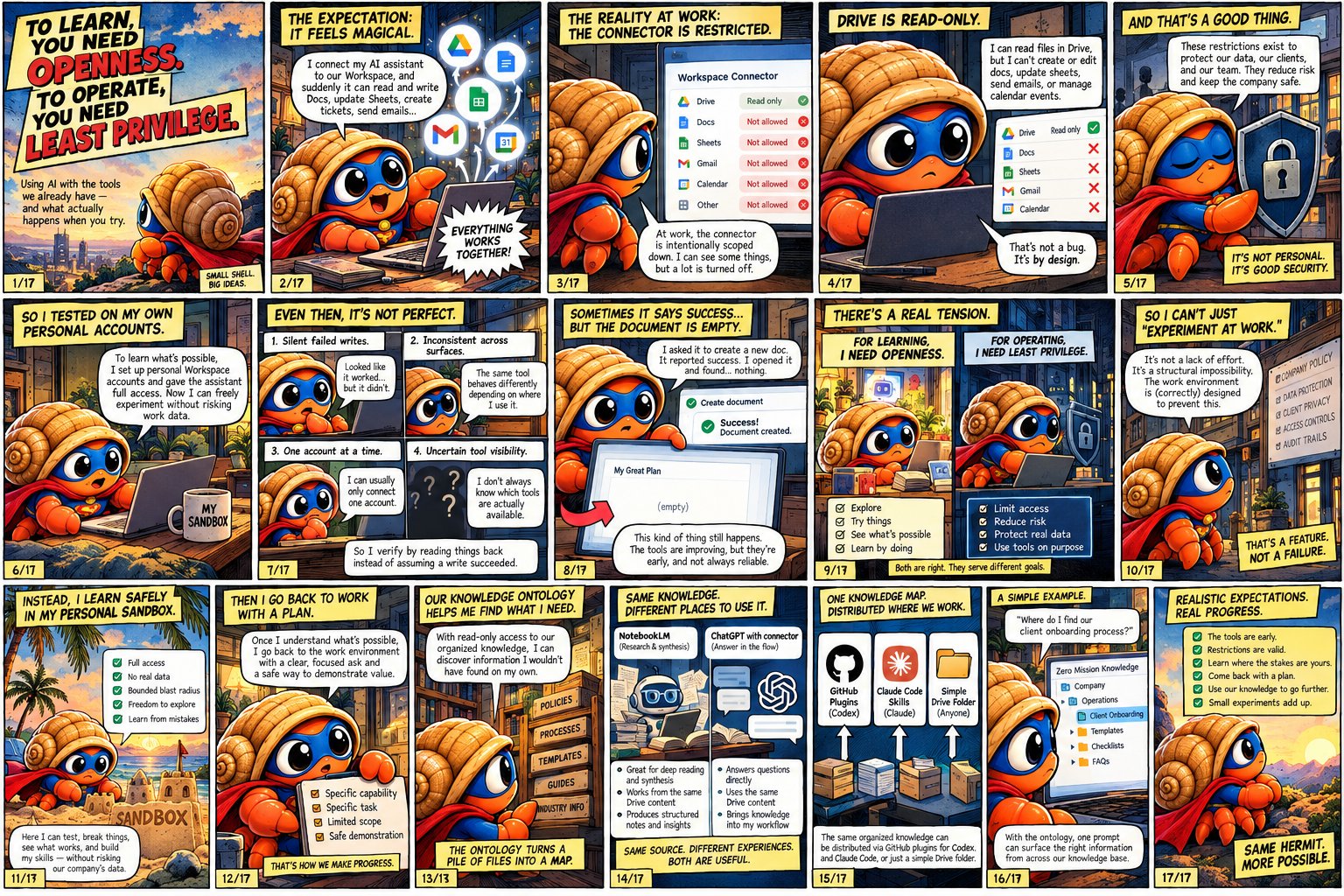
The whole page. Tap to open it full size.
Click the strip, then use ← and →.
What’s wrong with it
Showing the work means showing the slop. Going through these panel by panel:
Found and fixed. The seventeen arrived as crops cut out of the full page, and the cuts were off. Panel 11 lost its right edge mid-word — “Bounded blast radi…”, “Learn from mistak…”. Panel 10 had fragments of its neighbours bleeding in from the left and bottom. Panels 11 and 17 were clipped along the top. Detecting the gutters in the full page and recropping all seventeen on those boundaries fixed it, which is why the checklists are now complete. The files also went from 3.0 MB of PNG to 1.2 MB of JPEG with no visible loss.
Found and left. Panels 11 and 13 are numbered “11/13” and “13/13”. Everything else counts to 17 correctly. That’s in the artwork rather than the crop, so fixing it means regenerating.
Found and worth pointing at. The Workspace settings screen in panels 3 and 4 is invented. It looks like a real settings page. There is no settings page that looks like that, and the Google logos beside it are approximations. A comic about tools that look like they’re working contains a screenshot that looks real and isn’t — which is a better illustration of the problem than anything I wrote above it.
Got wrong. I flagged the last seven panels as defective for being narrower than the first ten. They aren’t. The bottom row fits seven panels across the same page width, so they’re narrower by design. A plausible-looking defect that wasn’t one, found by someone actively looking for defects.